Subscription section
The subscription section contains administrative actions and settings for your Variant subscription
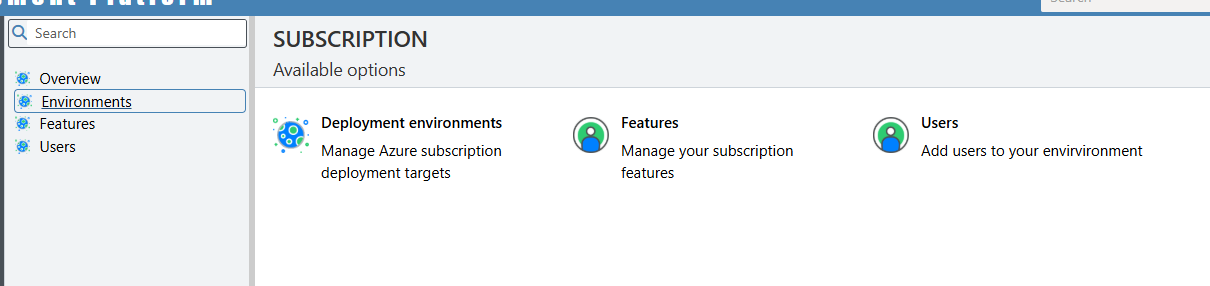
In this section we'll look at 2 menu items:
- Environments
- Users
Environments
This page deals with your Azure subscription details and devops endpoint information.
Development tab
When you create a new environment there are 2 possible types: test and production. it is the app registration on each of these tabs that determines which actual Azure subscription those resources are deployed to.
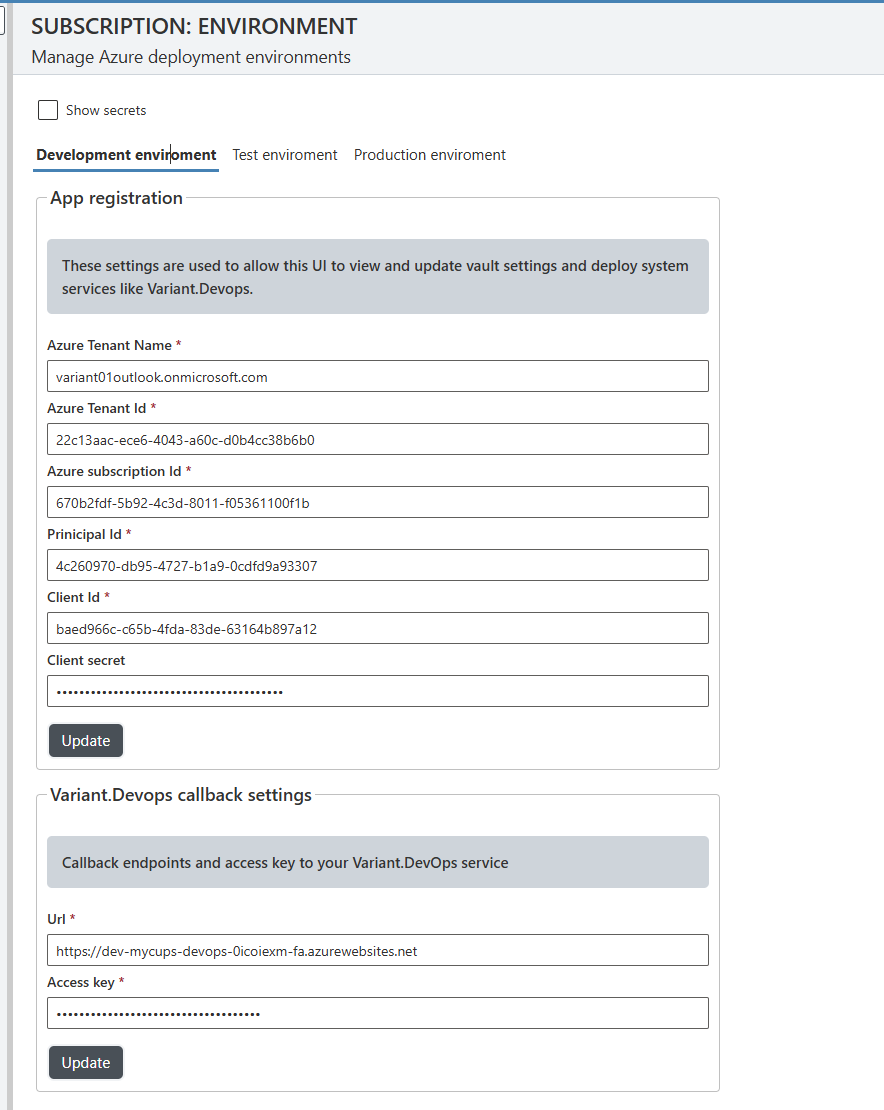
Also, on the development tab there is also a section where you can update the storage key that is used to access you application and environment files.

Test and production tabs
Both the 'Test' and 'Production' tabs default settings are as follows:
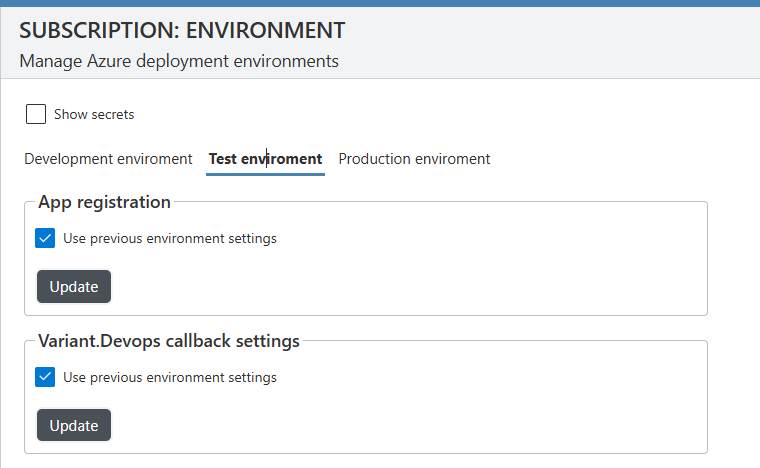
If you want to host an environment type (normally production) on a separate Azure subscription, uncheck the 'Use previous environment settings', create a new service principal on that subscription, click update and then follow the instructions.
You will need to deploy your Variant.DevOps service at least once in each each new Azure subscription
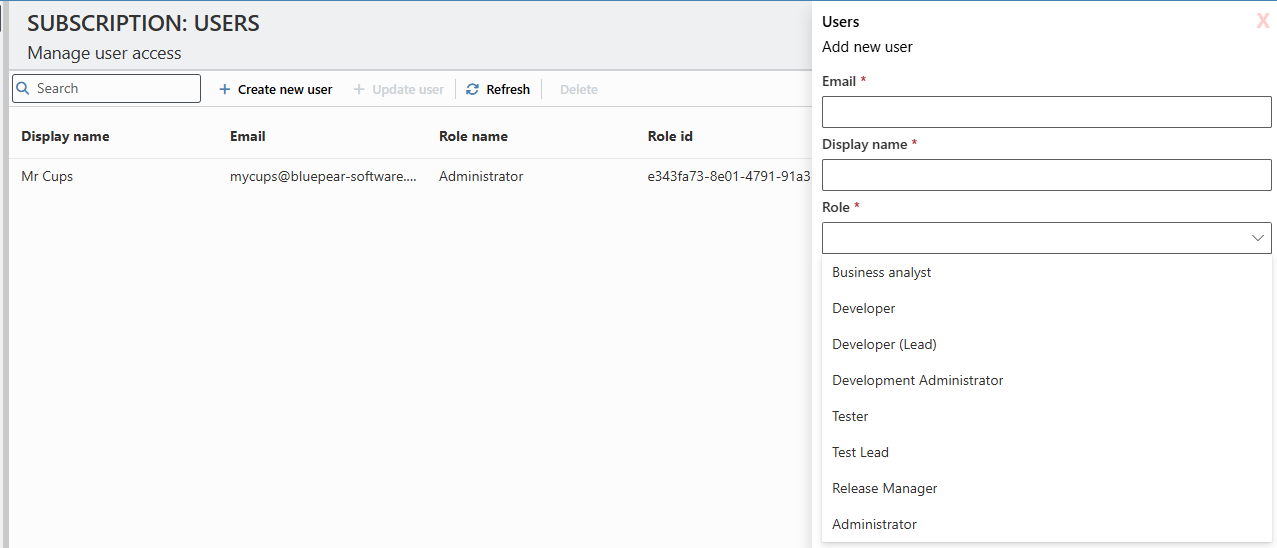
Users
The users page is where admins can create manage all their Variant subscription users.