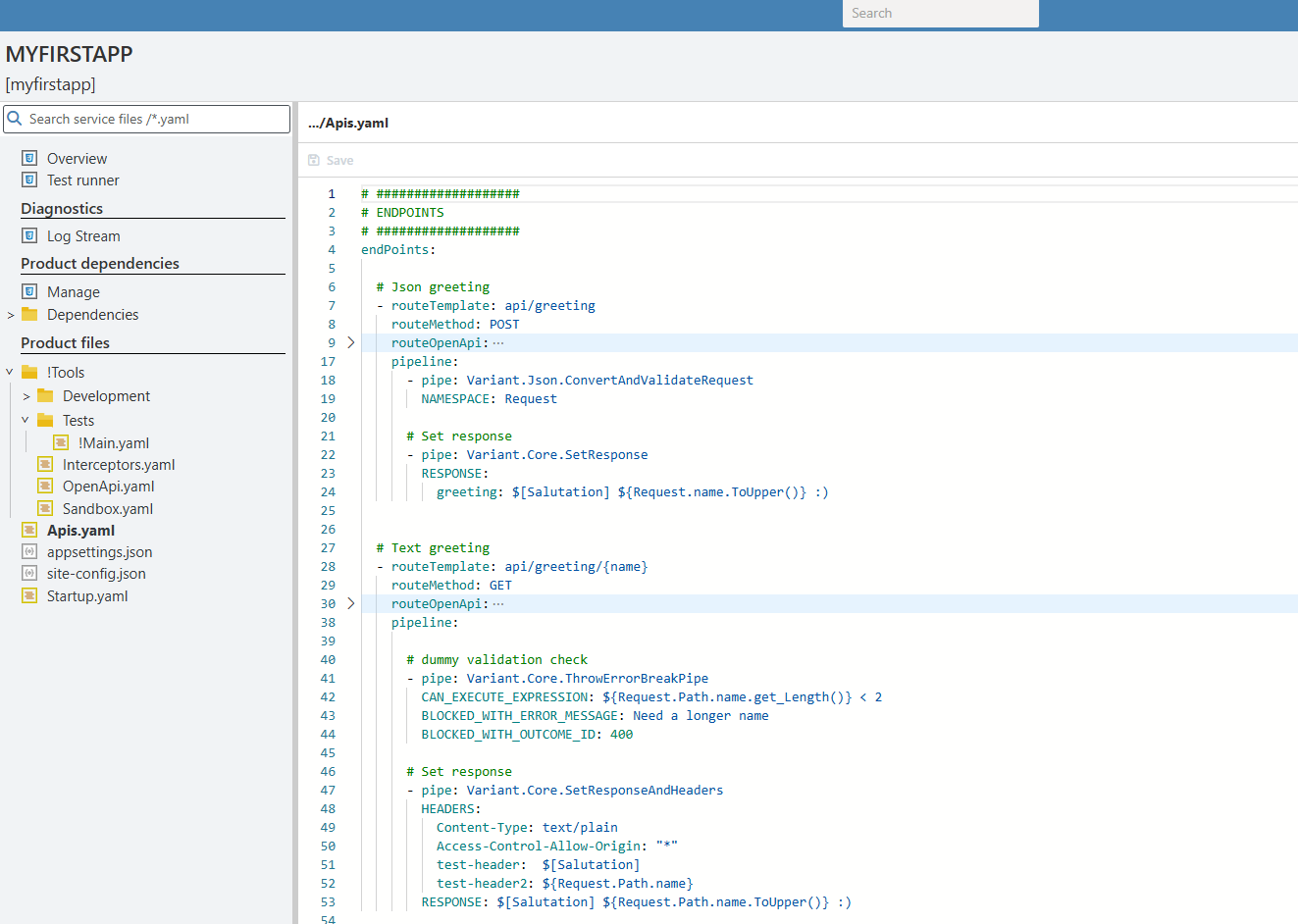
Services Section
This section manages the creation, development and deletion of all services.
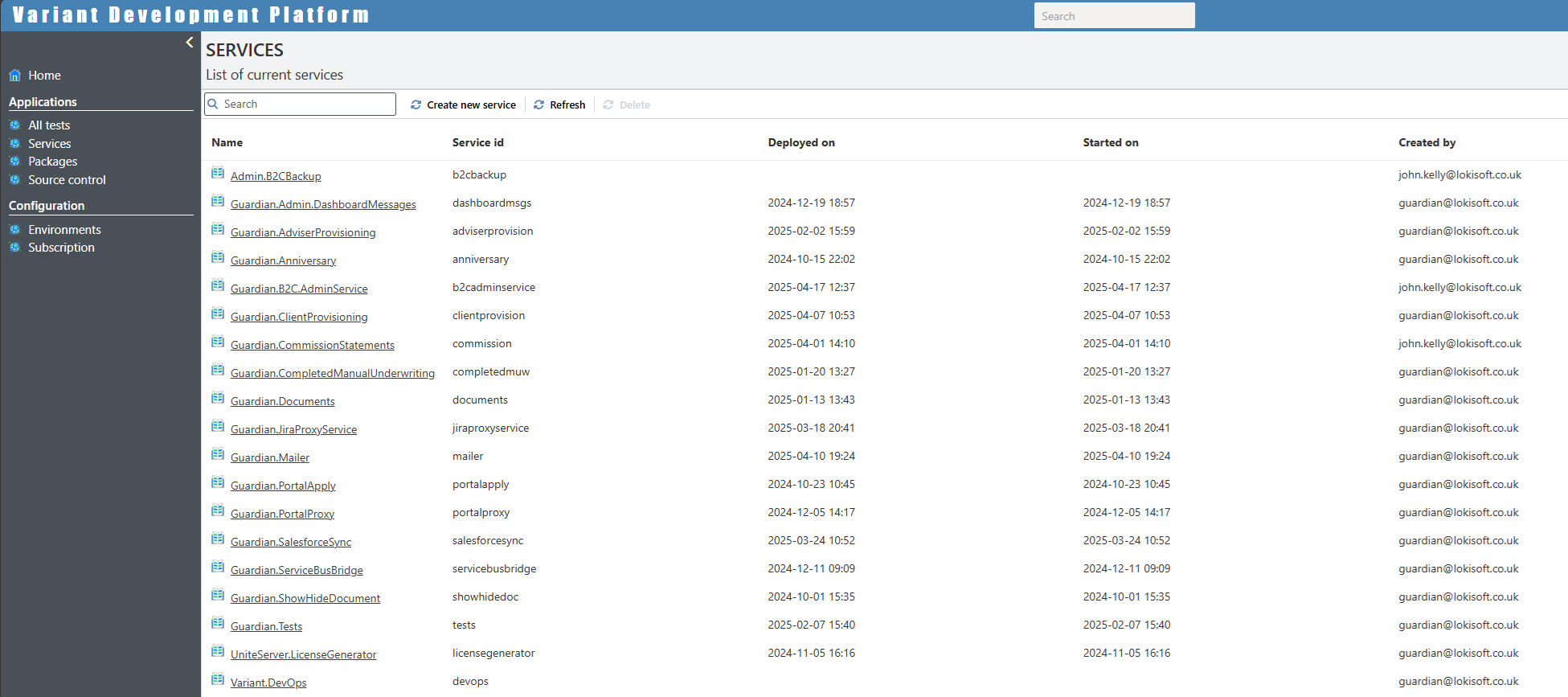
Once you click on a service it takes you to the service page.
The service page
When create a new service and click on it you will see the following page:
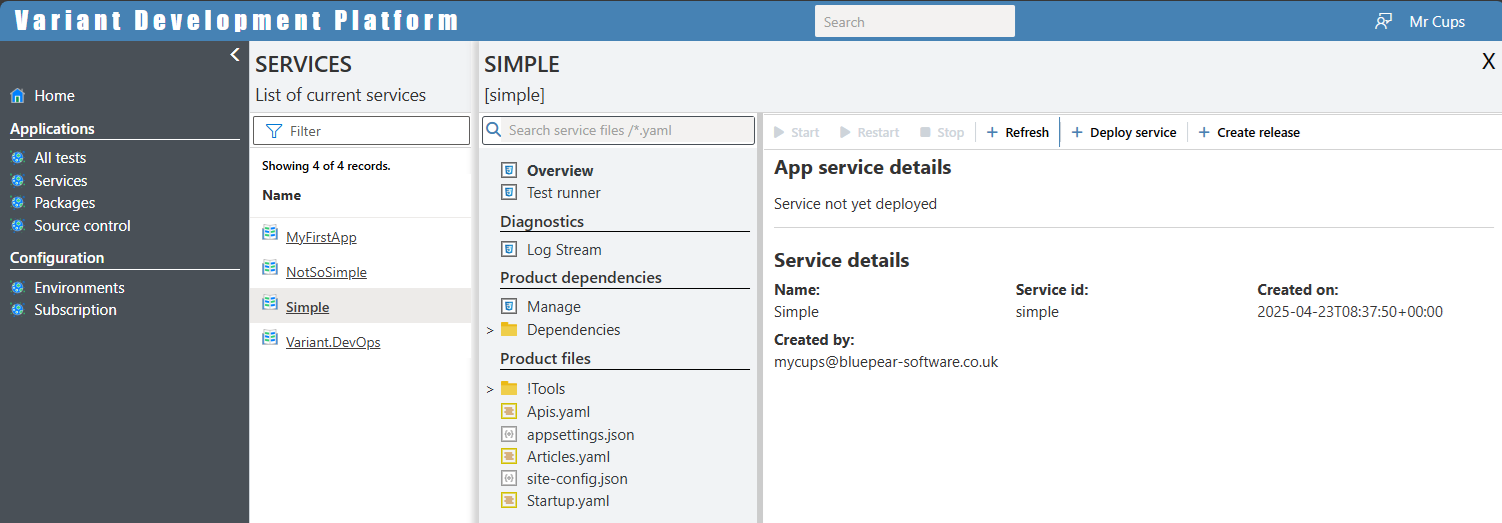
We'll now go through each of the relevant items in this page.
The services search bar
Before we go into each menu item we'll briefly look at the search bar:

This allows you to search through through both your source code and the all dependencies source code for words and phrases:. The default behaviour is to just search YAML files, but just Json or all files can be searched through by adding the following text in the search bar: '/*.json' or '/*.*'. This can be seen in the following example where we are searching for the setting 'Salutation':
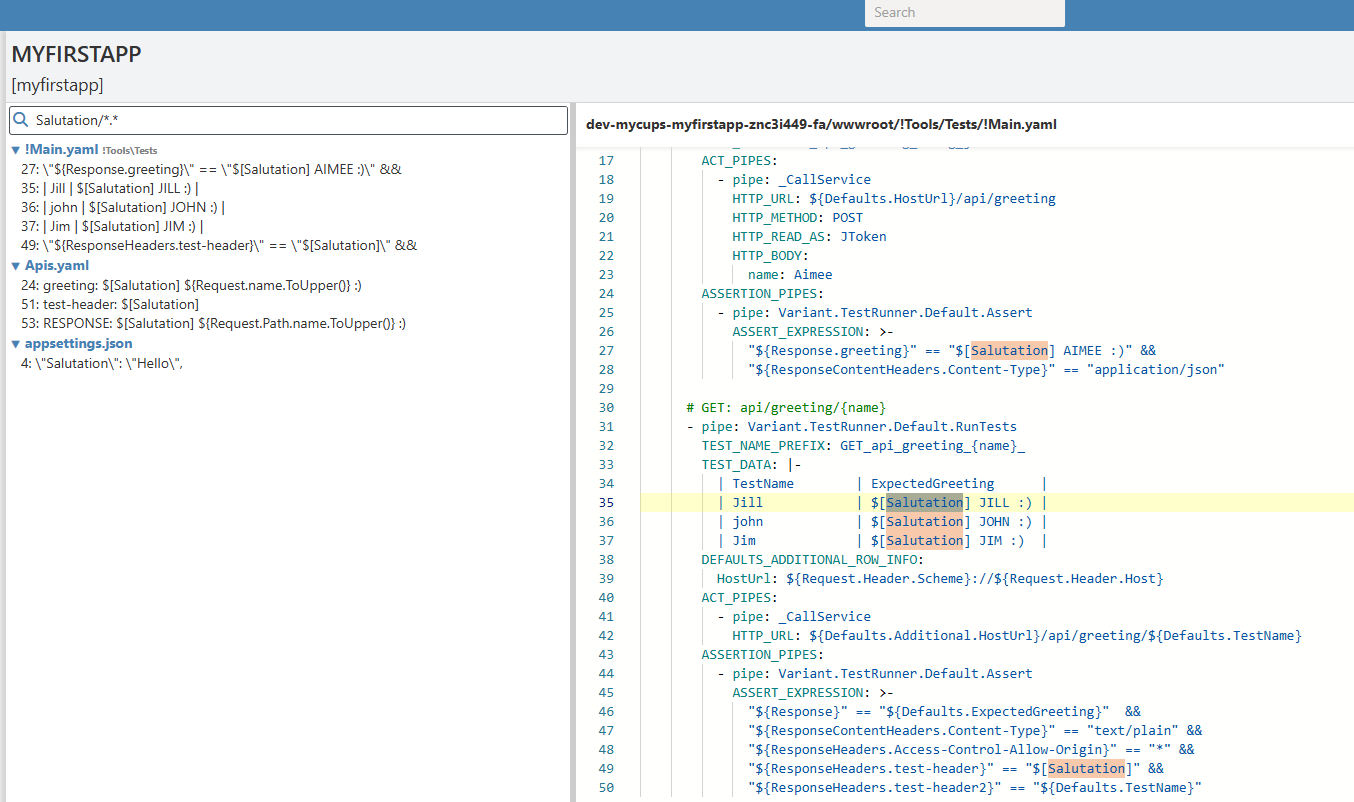
[!Note] In order for search to be enabled the service must be deployed
The overview page
This page comes in 2 flavours: the first can be seen in the image sown in the previous section, which is displayed when you first create and service; and the seconds can be seen below where the actual service has been deployed. To deploy an application simply click on the deploy button found on this page.
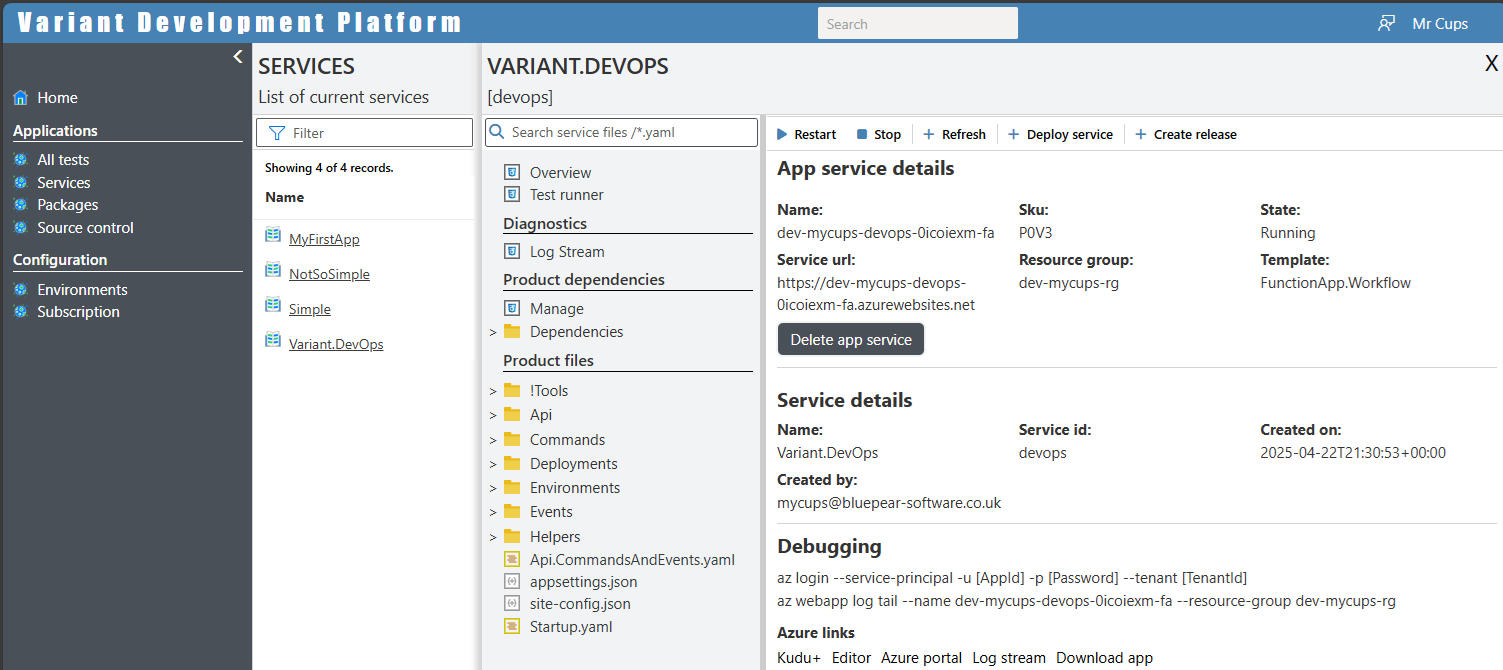
When an application is deployed you can see the various information regarding the instance. This like it's URL, SKU, resource group, etc. Additional buttons allow you to stop or restart the service. Or if required to delete the app service deployment.
Test runner page
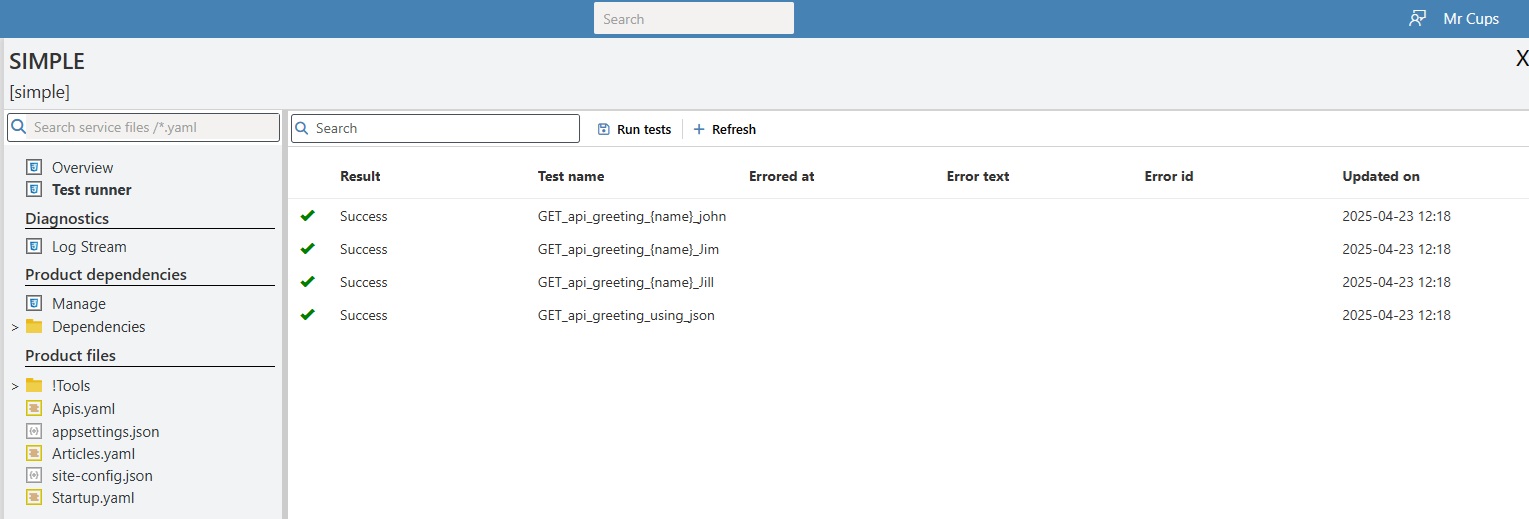
This is a simple page where you can start the applications tests and view the results. As the tests are run asynchronously you will need to refresh this page to get the results
Diagnostics: 'Log stream' page
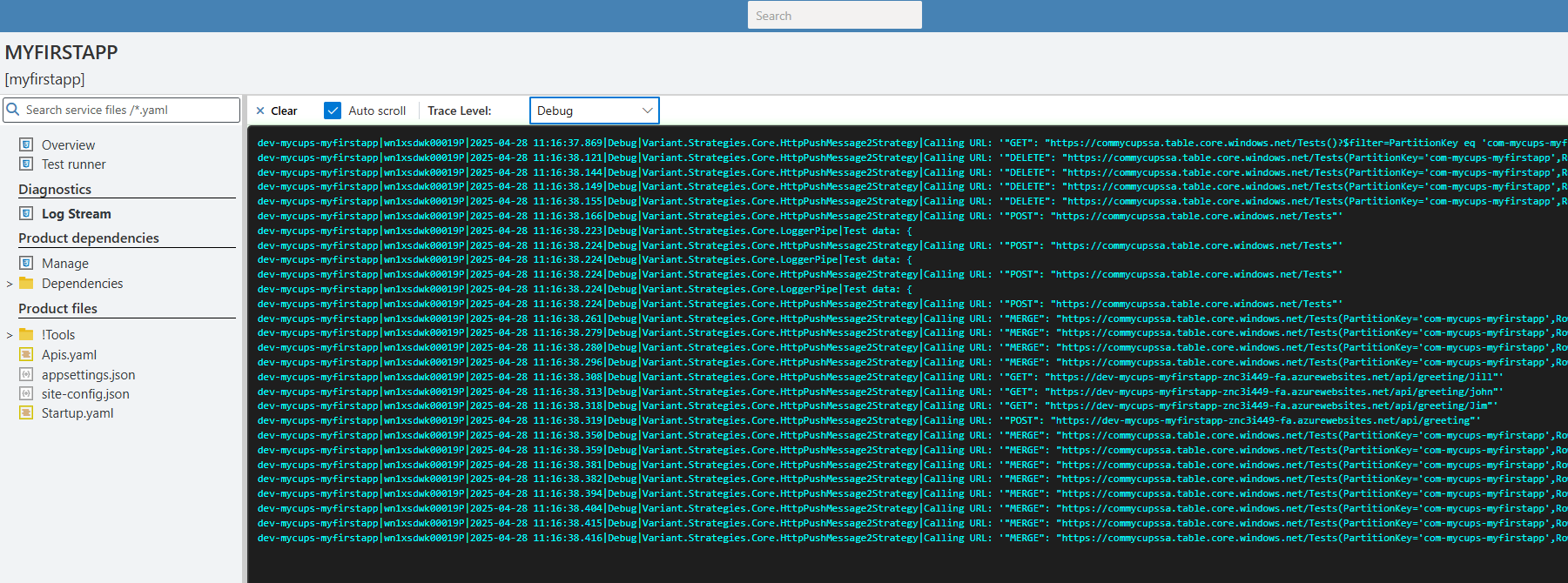
This page allows for the displaying and filtering of logs from your running service:
Product dependencies - 'Manage' page
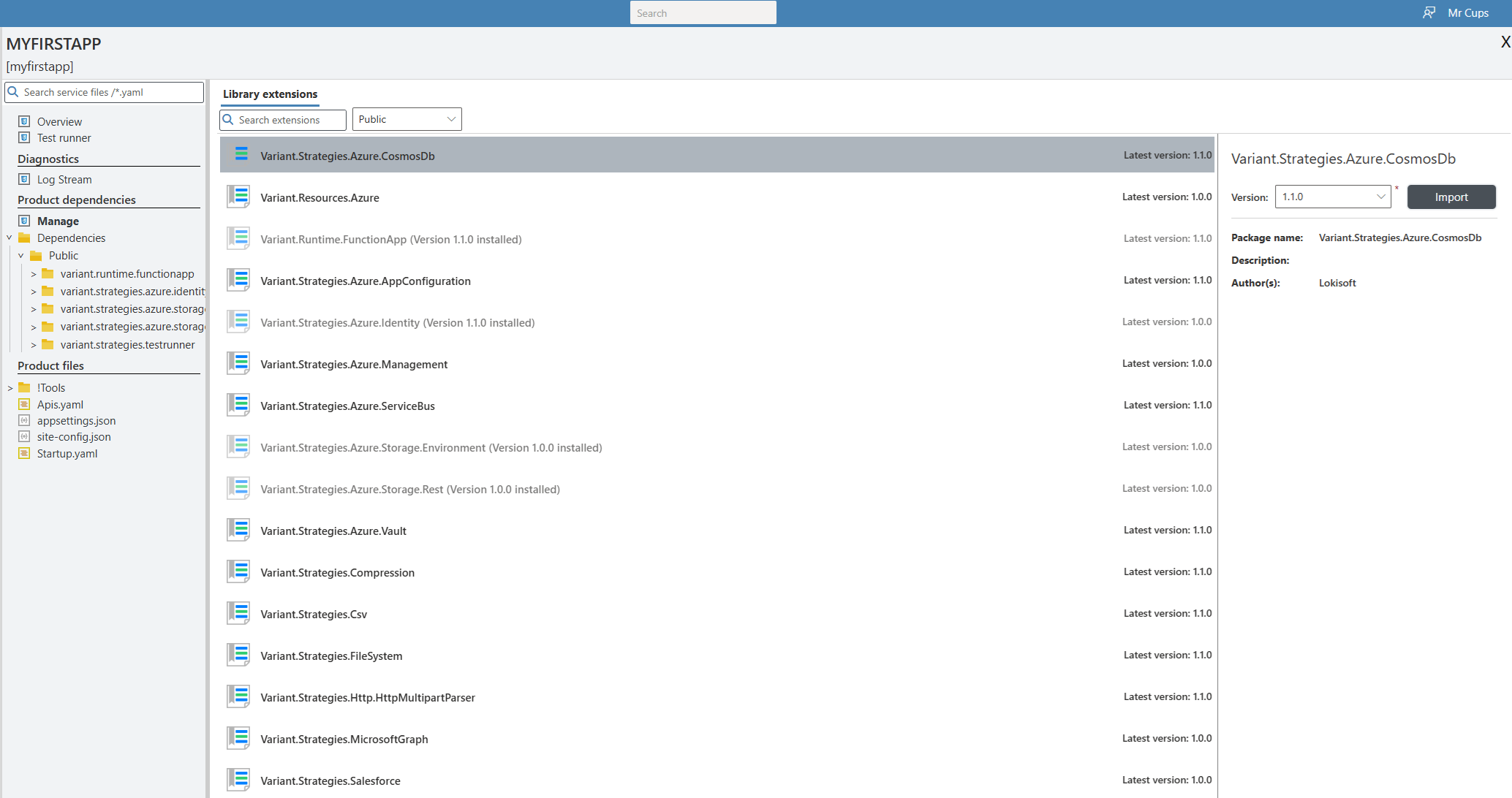
This is where additional functionality can be added in the form of pipes, connectors & strategies. extensions can be downloaded from a public repository or from the subscribers private repository allowing domain specific implementations to be written once and shared amongst different applications. Things can can be shared can be anything such JWT token creation, Storage queue connections etc.
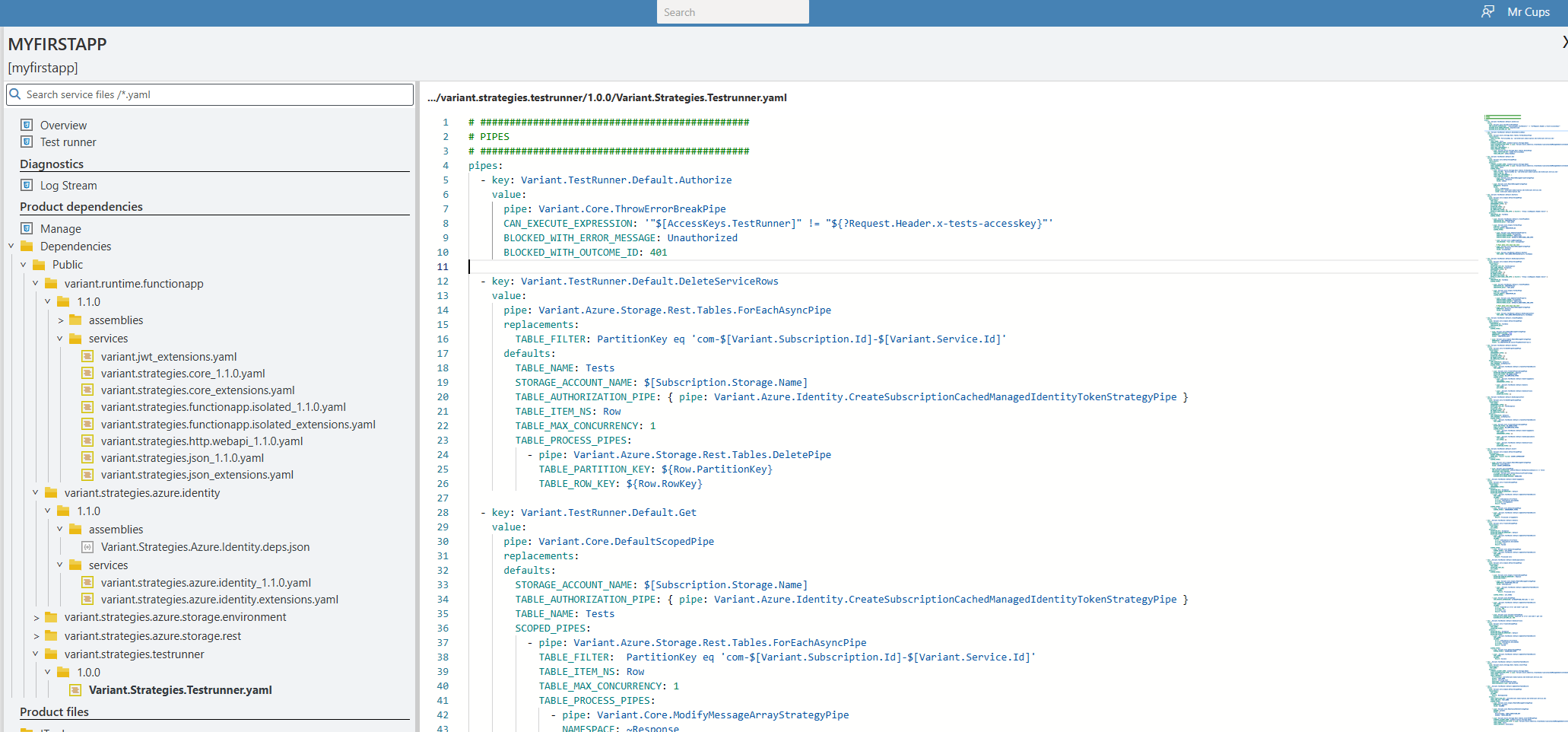
Product dependencies - 'Dependencies' folder
This folder displays the YAML source code for all extensions that have been added to the project .
Product files
All items following this header are your source and setting files files. If you right click on any item you can move it , delete it it, export it or import files or the contents of zip files.
The editor in the right hand side allows for provides for shortcuts ('Ctrl+s' saves the file) and 'intellisense' capabilities. Examples of what is available are demonstrated in the 'Creating your first service' section